
Venue identity design
A name mark, palette, type and room identity designed as one system.
See identity design →Identity, menus, signage and the website, built as one system so a guest meets the same room online and at the door.
Browse the guides and tools Read how to brief a designerEach part of a venue's presence, from name mark to booking site, designed together and handed over as files you keep.
A name mark, palette, type and room identity designed as one system.
See identity design →Print and screen menus built for a guest deciding in ninety seconds, with allergen information in place from the start.
See menu design →Signage, table materials and printed collateral produced from the same source files as the wider identity, so nothing drifts.
See how it connects →Sites built with bookings, live menus and opening hours search engines can read, whether starting fresh or refreshing what exists.
See website build →A model trained on your own menu, hours and policies to answer guests' questions, delivered through finetuning.uk.
See AI concierge →Send a brief and receive a written scope and quote before any work starts, with source files yours when it's done.
Send a brief →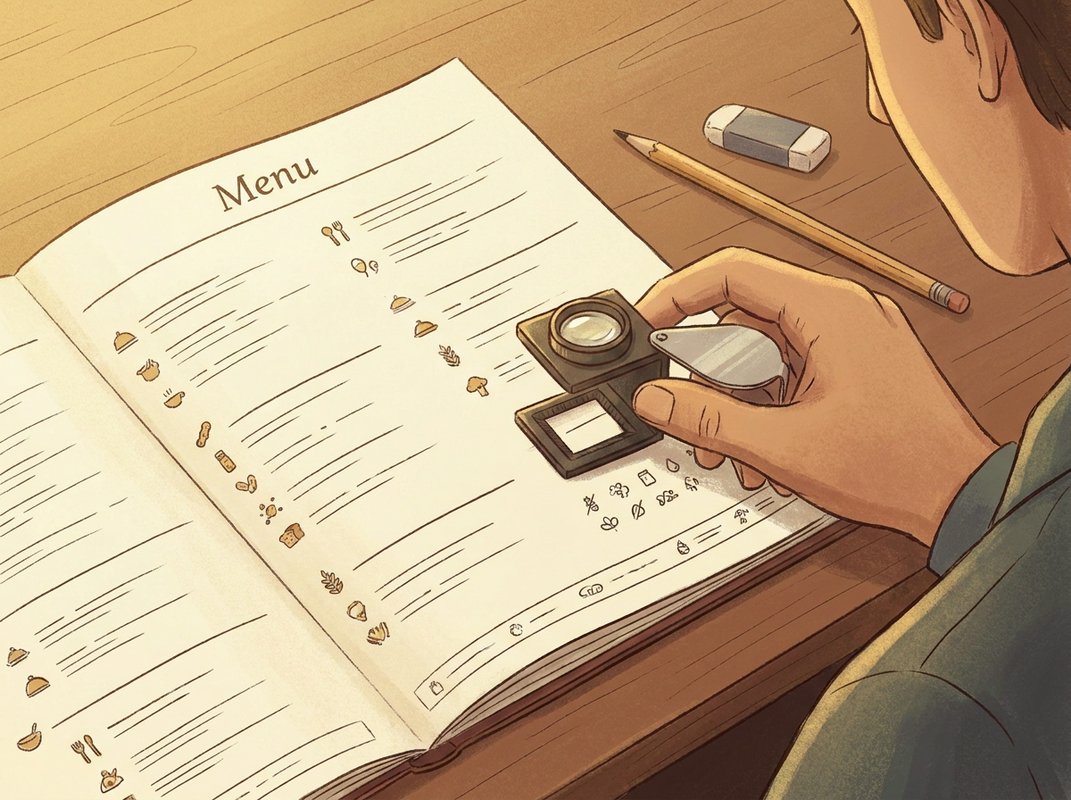
A menu is the thing a guest reads while deciding whether to stay, and the print copy, the website version and any QR menu on the table need to say the same thing in the same order, drawn from the same source files.
Most menus are written for the person who runs the kitchen: every dish grouped by course, described at length, in the order the chef is proudest of. A menu written for the guest works differently. Dishes are grouped the way a hungry person actually compares them, prices sit where the eye lands, and the whole thing can be read and decided on in around ninety seconds.
The Food Information Regulations 2014 require a venue to be able to tell a guest which of the fourteen allergens are in each dish it serves, and where a dish is prepacked for direct sale (PPDS), the labelling requirement is stricter again. The allergen matrix, the reference table linking every dish to its allergens, gets built into the menu design from the first draft, so the print menu, the website menu and the version staff use behind the bar all draw from one set of information.
Check your own menu tonight: pick five dishes at random and time how long it takes a member of staff, not the chef, to state every allergen in each one correctly. Local authority environmental health enforces the Food Information Regulations, and the Food Standards Agency publishes current allergen guidance; either is the place to confirm what your venue specifically must do.
The menu design page covers print and screen formats in more detail, and the guide on menus that sell and menus that comply looks at how the two goals, selling the dish and meeting the regulation, sit together on the same page.
A venue's identity extends past the screen and the menu onto every physical surface a guest sees: the sign above the door, the table numbers, the wine list holder, the till receipt, the business card a manager hands to a supplier. If those pieces are drawn from a different file than the logo on the door, the mismatch shows even when no single piece looks wrong on its own.
Each of these is a small, ordinary object, but a guest reads the room through dozens of them before the food arrives. A place mat printed off-colour or a sign in a substitute typeface does not ruin a visit, but it tells a guest, quietly, that no one was watching the detail.
Everything above is drawn from the same brand mark, palette and type files used on the website and the menu, so a sign ordered this year and a place mat reprinted in three years' time both come from the same source. That is the practical reason to keep the files: whoever prints your next batch of table numbers needs the exact typeface and colour values.
The source files are handed over as part of the wider work described on venue identity design, and the same set carries through into menu design and the website build. One set of files, used everywhere a guest might see the venue's name.
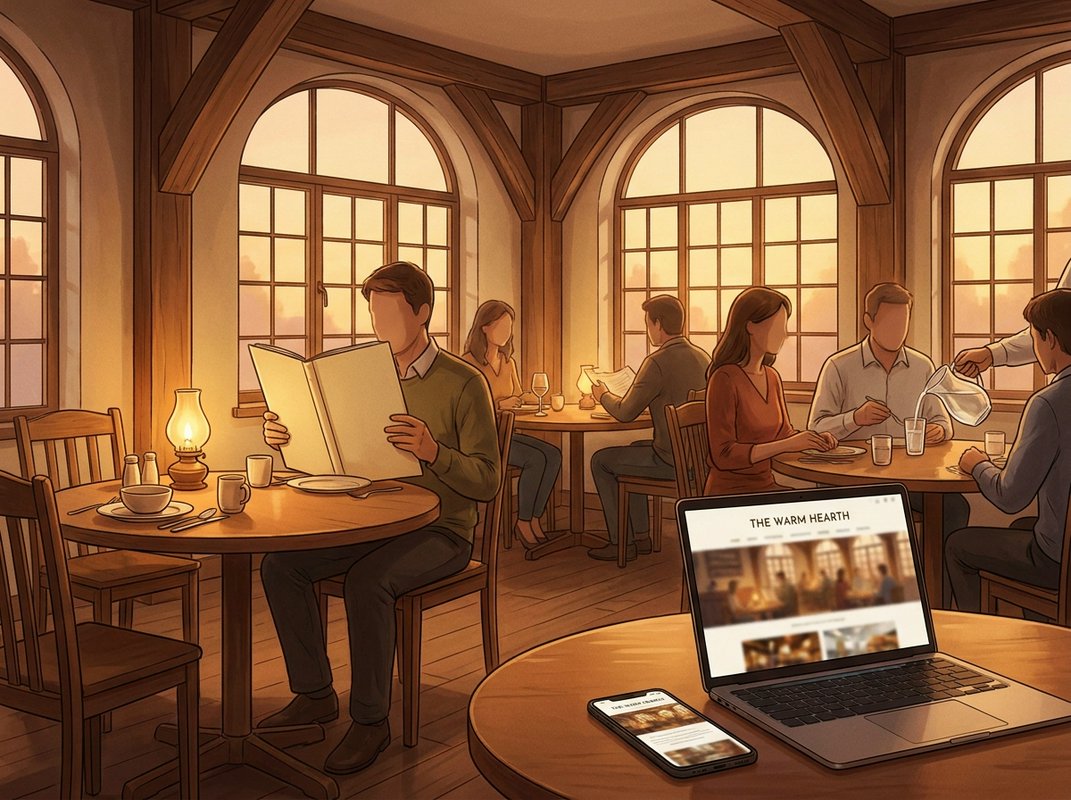
A venue website has to do several jobs on the same page: take the booking, show the menu as it actually stands tonight, tell a search engine your opening hours without being asked twice, and make the room look like somewhere worth going. We build these through our own framework, so the site is assembled from parts we maintain and understand.
Bookings and menus live inside the site itself, so a change to a dish or a table's availability shows the same day it happens. Opening hours are marked up as structured data, the code that tells a search engine your hours directly, because a guest who searches your name at half past six on a Friday is trusting whatever Google last crawled, which might be months old.
Photography direction is part of the job rather than a separate line: the site is only as good as the room it shows, and a page built well around weak photography still reads as a weak page. Where we're commissioning or directing new photography for the site, the approach is set out on our photography for a venue guide. Full detail on how a build or refresh runs, and what you own at the end of it, is on the venue website build and refresh page.
Most questions a guest has before booking are practical: what time the kitchen stops serving, whether there's a vegetarian tasting menu, whether six people can be seated together, where to park. The AI Concierge sits on the venue's website or booking page and answers those questions directly, using only the menu, hours and policies it has been given, so a guest gets an answer at eleven on a Sunday night without anyone on the floor picking up a phone.
The AI Concierge is delivered through finetuning.uk, the practice's sister service for training models on a single business's own material. It's built from your current menu and policy documents, and rebuilt whenever those change, so a seasonal menu update or a revised booking policy reaches the concierge.
Allergen questions are the clear line. Under the Food Information Regulations 2014, a guest is entitled to be told which of the fourteen listed allergens are in a dish by someone who can check and confirm it, and a model reading a menu description is not that person. The concierge is built to redirect any allergen question to staff or to the venue's written allergen information, because an allergen answer has to be correct.
Like any model trained on written material, it can misread a document or meet a question outside its brief, and where that happens it's built to point the guest to a stated contact route. Menu content for the concierge is drawn from the same source used for the printed and screen menus, described on Menu Design. Fuller detail on how it's scoped and trained sits on the AI Concierge page.
The guides cover allergen labelling, menu design and website structure in enough detail to act on, whether or not you end up working with us.